Managing your personal information is essential for a seamless user experience. Here's how you can log in to your account and update your details easily.
Step 1: Logging In
Start by entering your credentials on the login page. You can find fields for your email and password, as shown below. Once you've entered the details, click the "Continue" button to access your dashboard.

Step 2: Updating Your Information
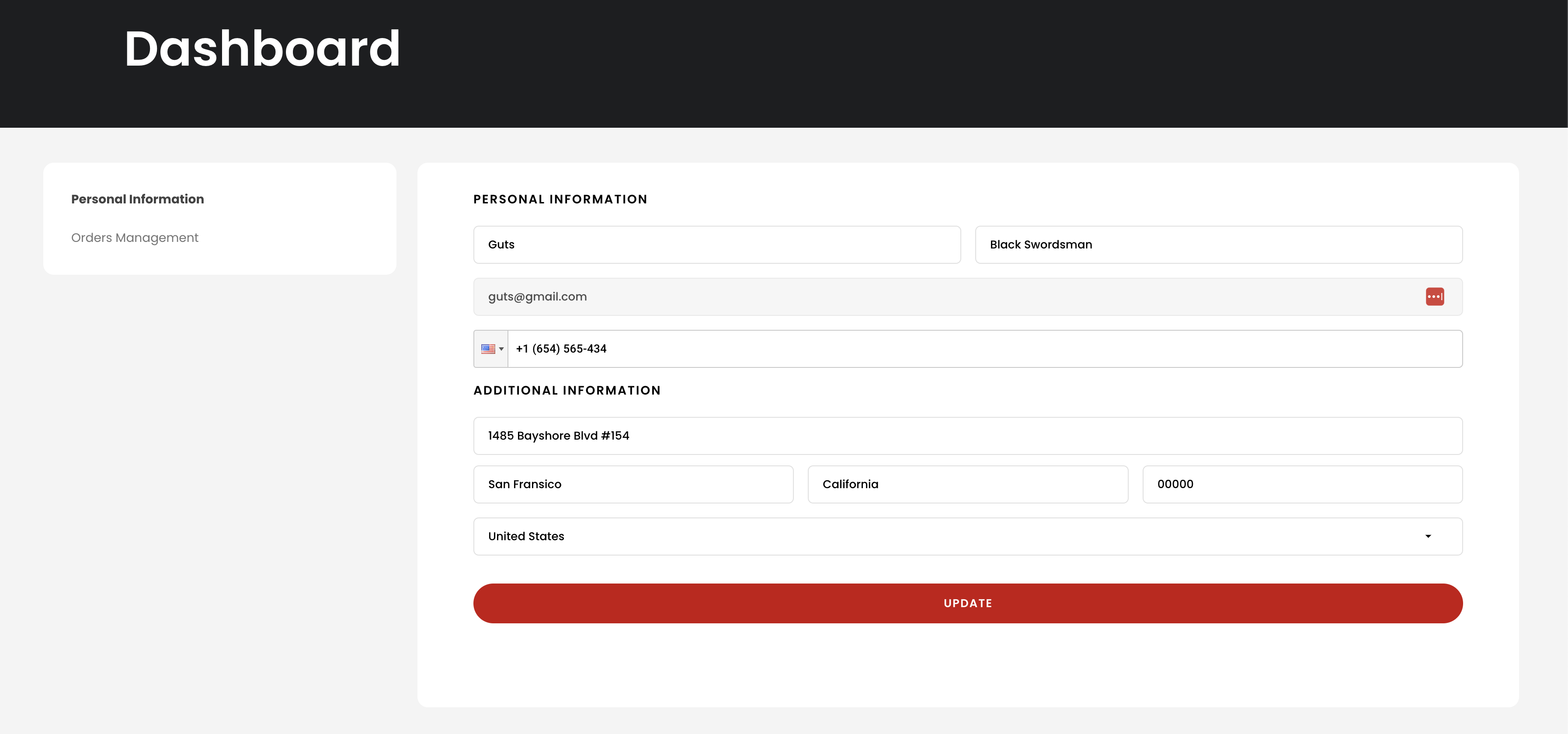
After logging in, navigate to the Personal Information section on your dashboard. Here, you'll find fields to update your name, email, phone number, and address. Simply edit the fields and click the red "Update" button to save changes.
Tips for a Smooth Update
- Ensure all fields are filled out correctly before saving.
- Double-check your phone number and email for typos.
- If you encounter issues, use the contact options available on the login page footer.