Follow this guide to create your account, manage your subscription, and explore the dashboard efficiently. You can create an account by selecting one of our available plans or start with our free trial process.
Step 1: Choose Your Plan
Visit the homepage to view the available plans and start your journey with us. You can either sign up for a specific plan that meets your needs or begin with a free trial. The homepage highlights all features and pricing plans, making it easy to choose what works for you.
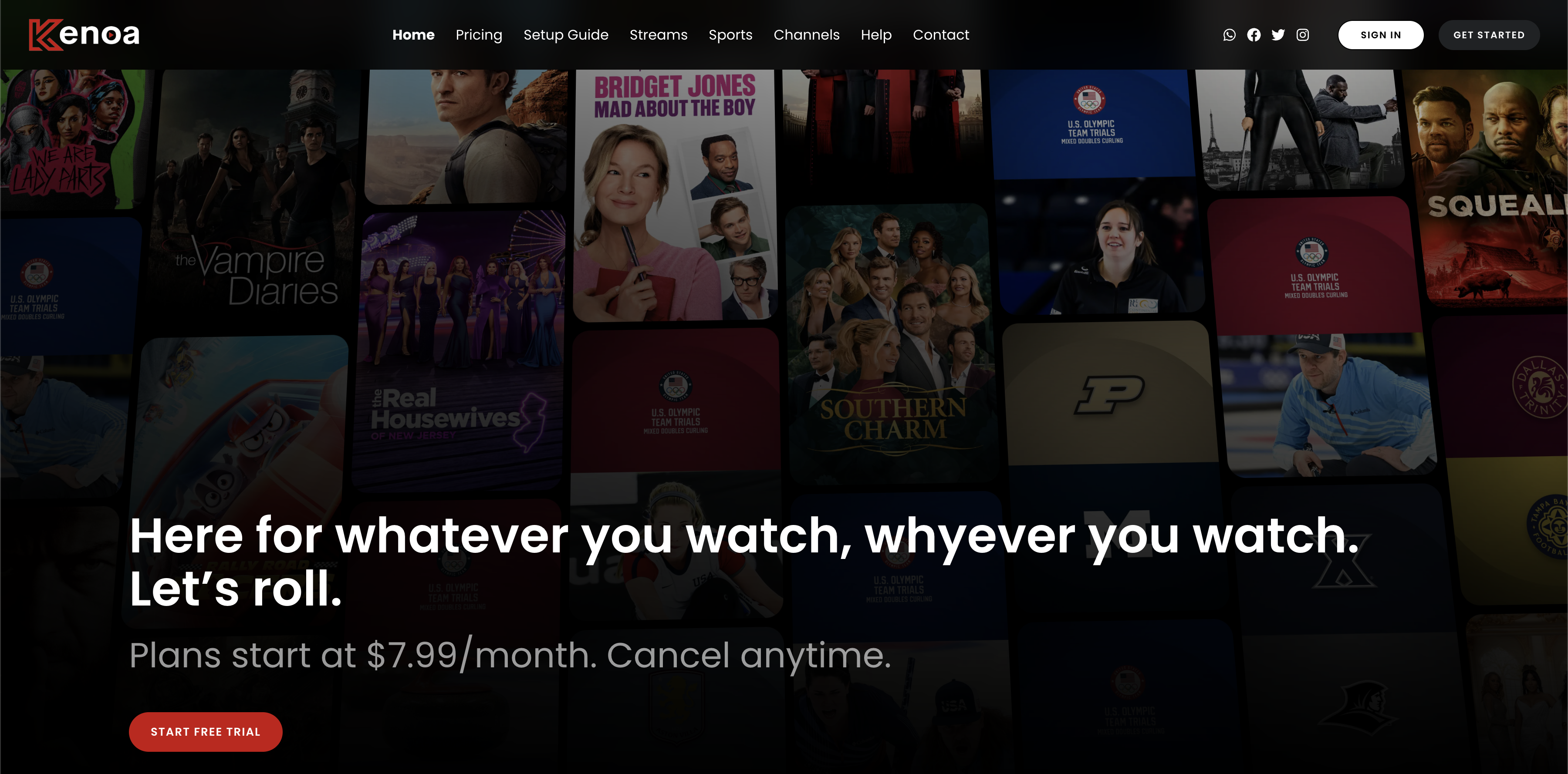
Pick Your Plan or Start Your Free Trial
Whether you want to dive in with one of our flexible plans or start with a free trial, we've got options that cater to your preferences. Below is an overview of the subscription plans you can choose from:
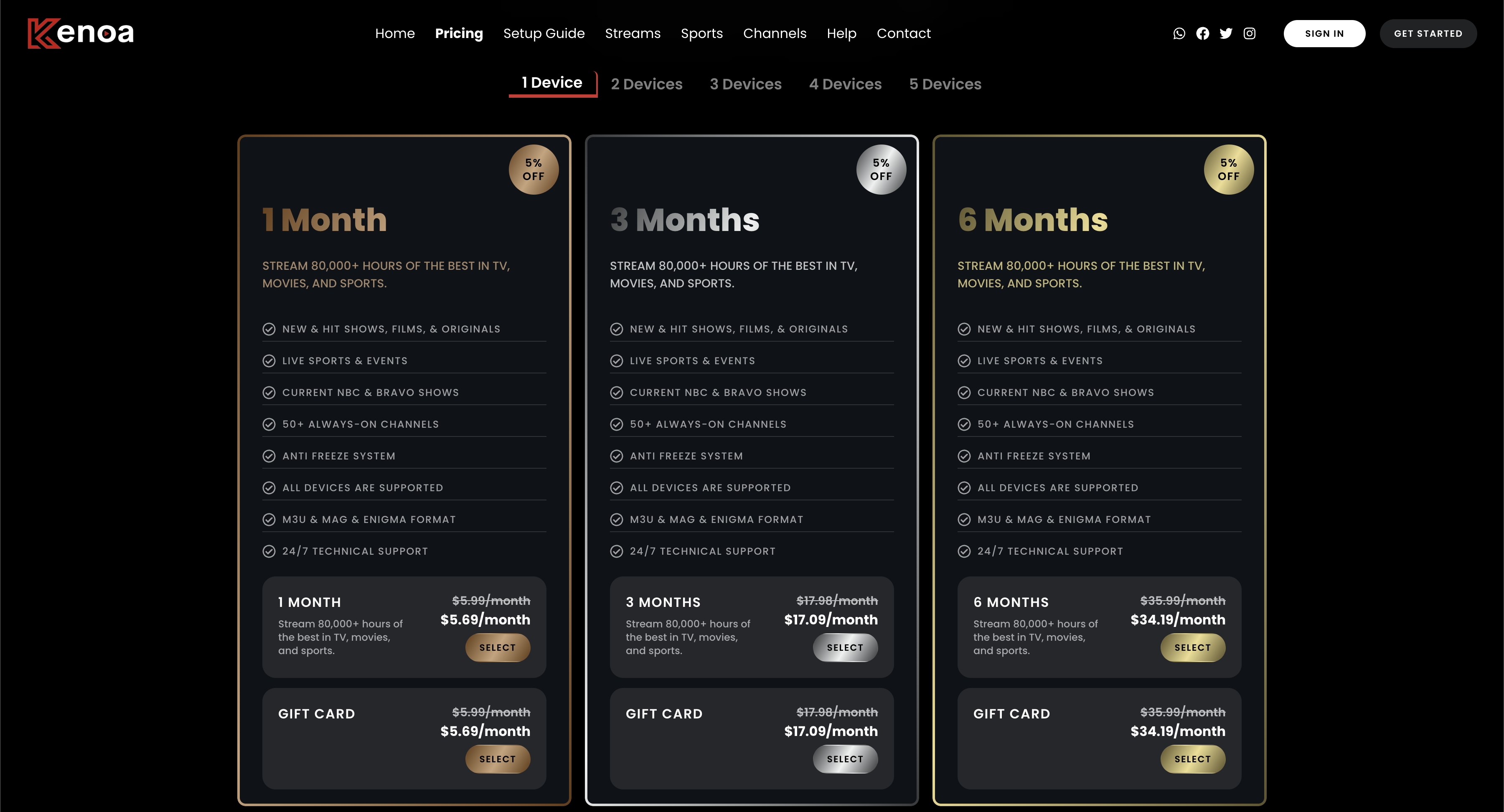
Plans can differ by duration, connection count, price, and current availability. Compare the details shown on the pricing page, confirm important channels and device compatibility, and review the refund policy before ordering. If a trial is currently available, use it to test your own device, network, and must-have categories before choosing a paid plan.
Step 2: Enter Personal Information
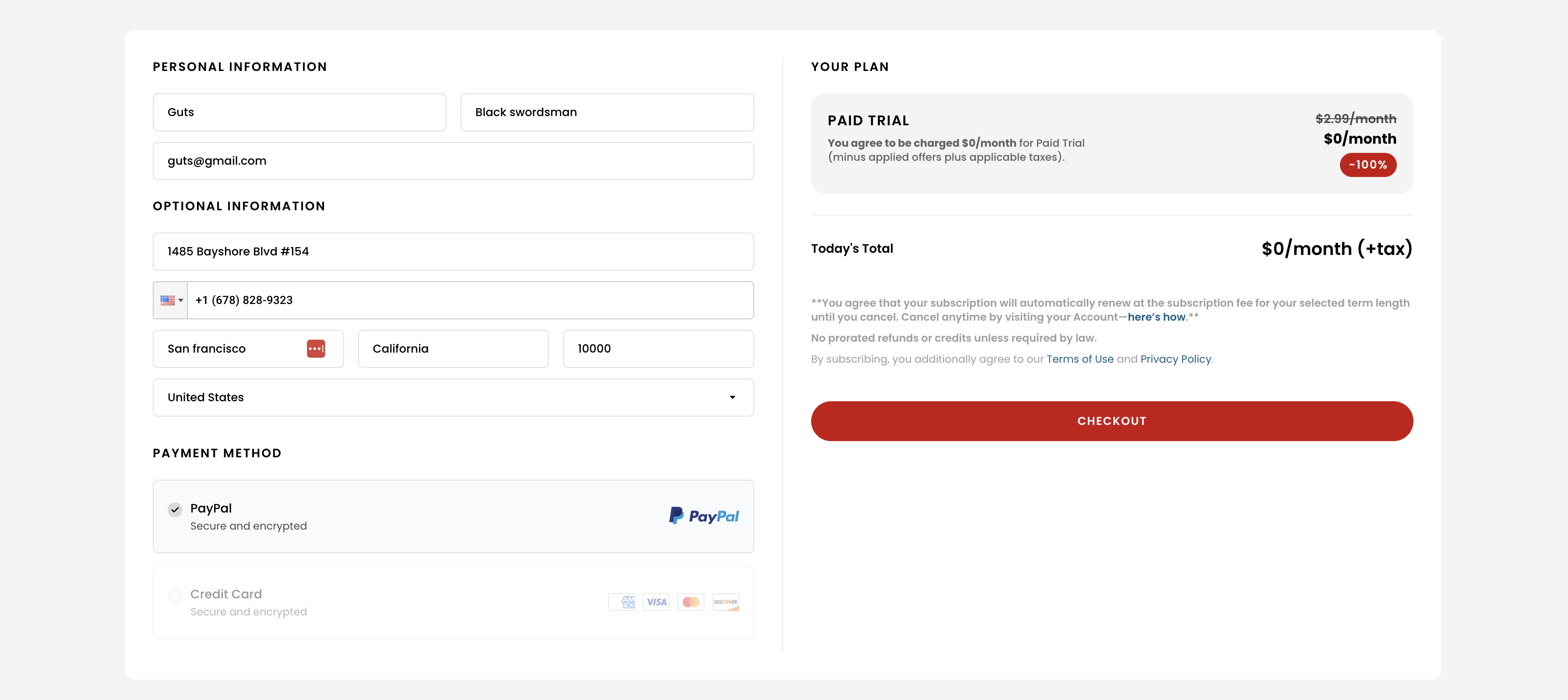
On the subscription page, fill out your personal information, such as your name, email, and address. Select your payment method (or proceed without one if you're opting for a free trial) and review the terms of your chosen plan before proceeding.
Step 3: Confirm Your Subscription
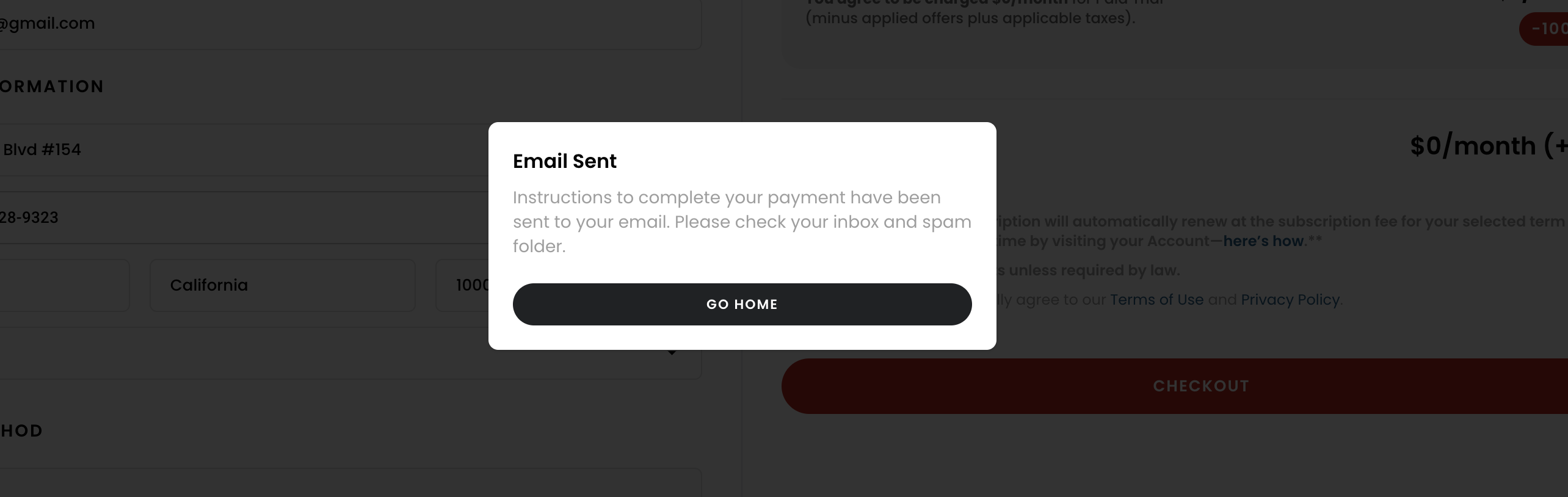
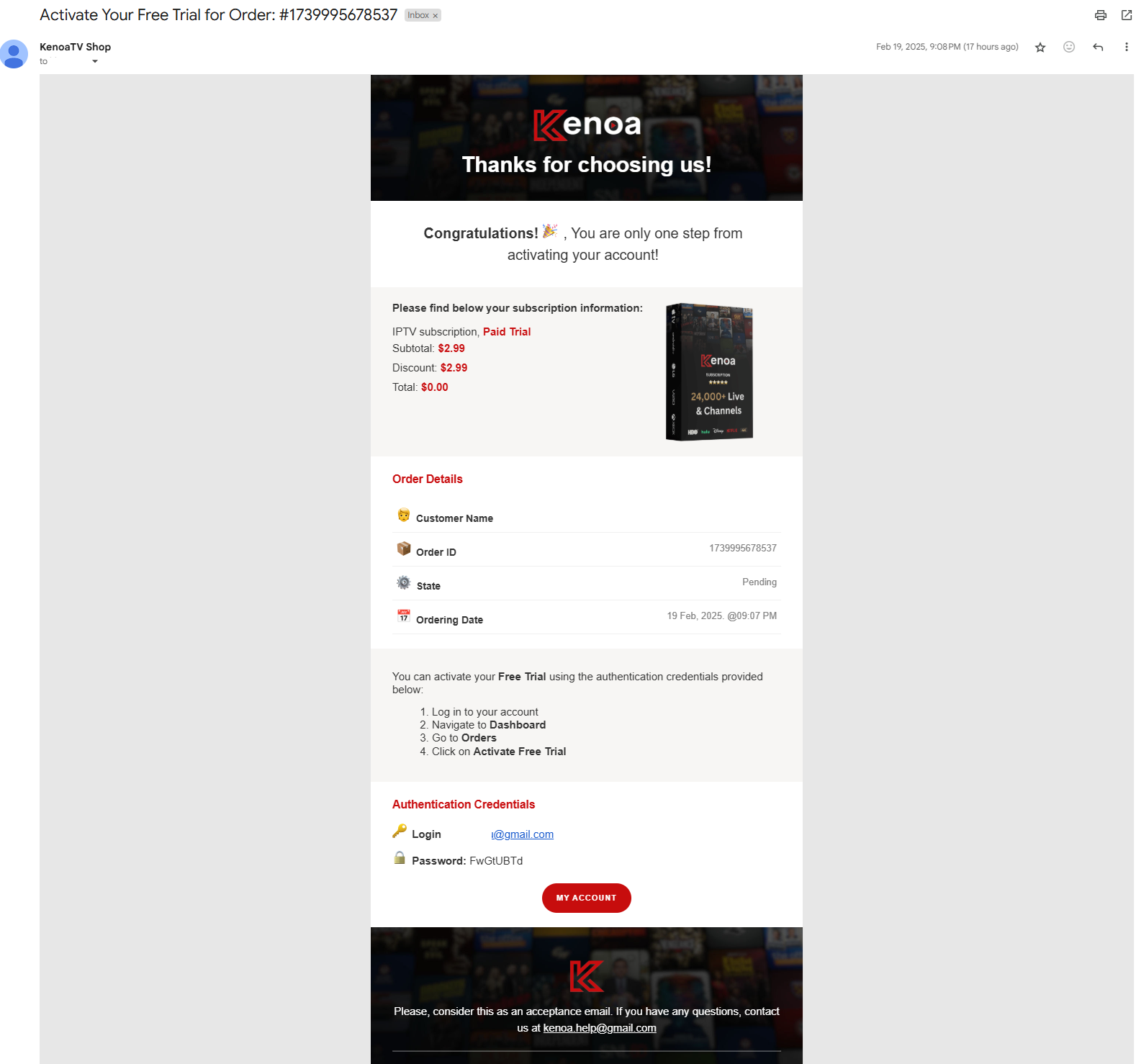
After submitting the form, you’ll see a confirmation message indicating that an email has been sent. Check your inbox for the activation email to finalize the subscription process.
Step 4: Activate Your Free Trial or Plan
Open the activation email and follow the provided instructions to activate your account. If you’ve selected a paid plan, ensure payment is completed. If you’ve opted for the free trial, your trial will be activated after clicking the activation link in the email. The email includes details about your chosen plan and login credentials.
Tips for a Smooth Experience
- Ensure your email is entered correctly to receive the activation email.
- Contact customer support if you don’t receive the email within a few minutes.
- Explore the dashboard features to manage your plan effectively.