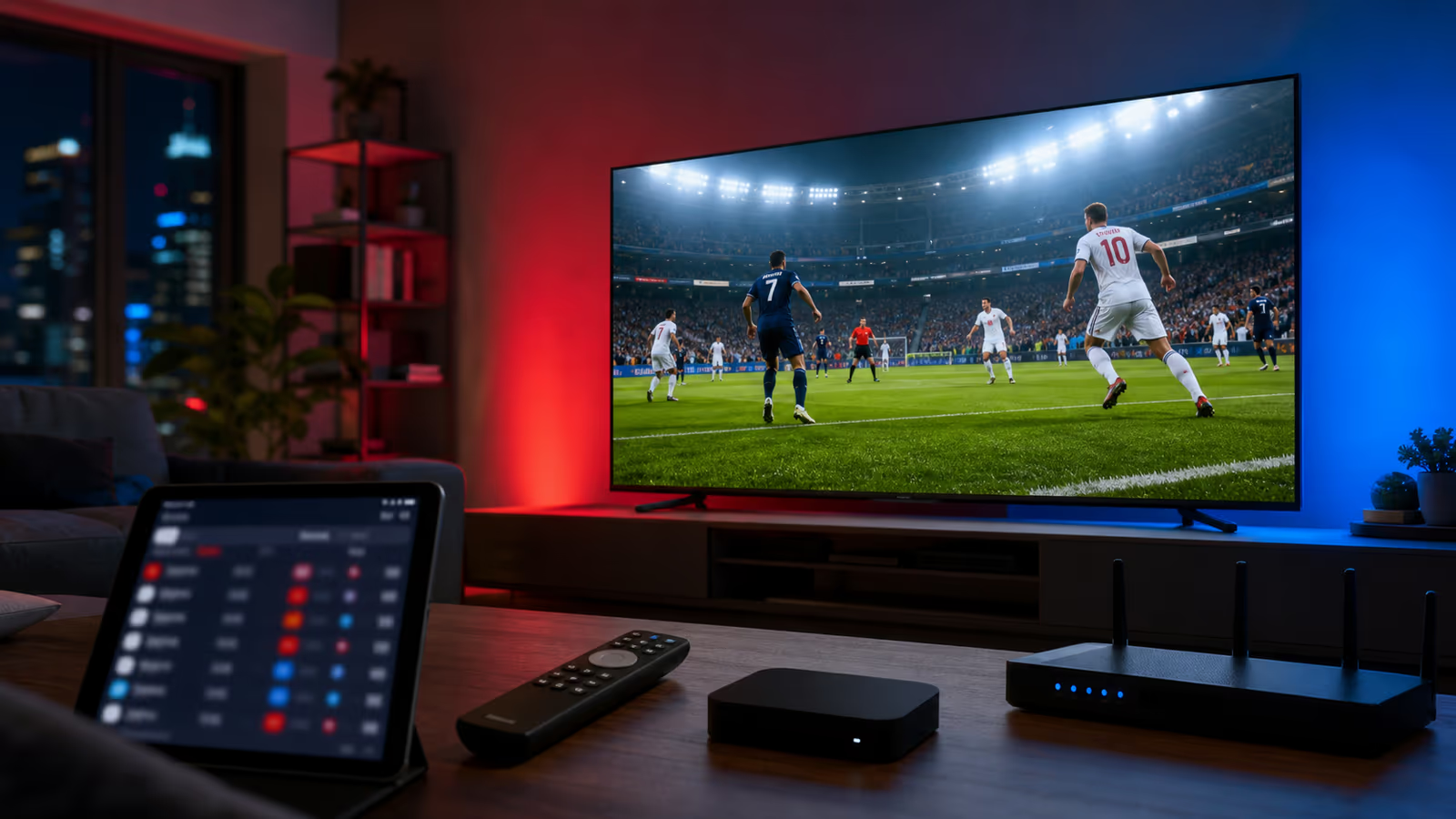
World Cup IPTV Watch Guide for USA and Canada: Build the Perfect Match-Day Setup
World Cup IPTV Watch Guide for USA and Canada: Build the Perfect Match-Day Setup World Cup match days are different from normal streaming nights. The...
World Cup IPTV Watch Guide for USA and Canada: Build the Perfect Match-Day Setup
World Cup match days are different from normal streaming nights. The kickoff time matters, the household is louder, the connection is under pressure, and one buffering circle can ruin a moment people waited years to watch. That is why a serious World Cup IPTV setup needs more than a random app and a last-minute login.
If you are watching USA or Canada matches from home, Kenoa TV is worth setting up before the next big game. The goal is simple: one reliable IPTV workflow, one clean player, one tested device, and a support path if anything needs attention before kickoff.
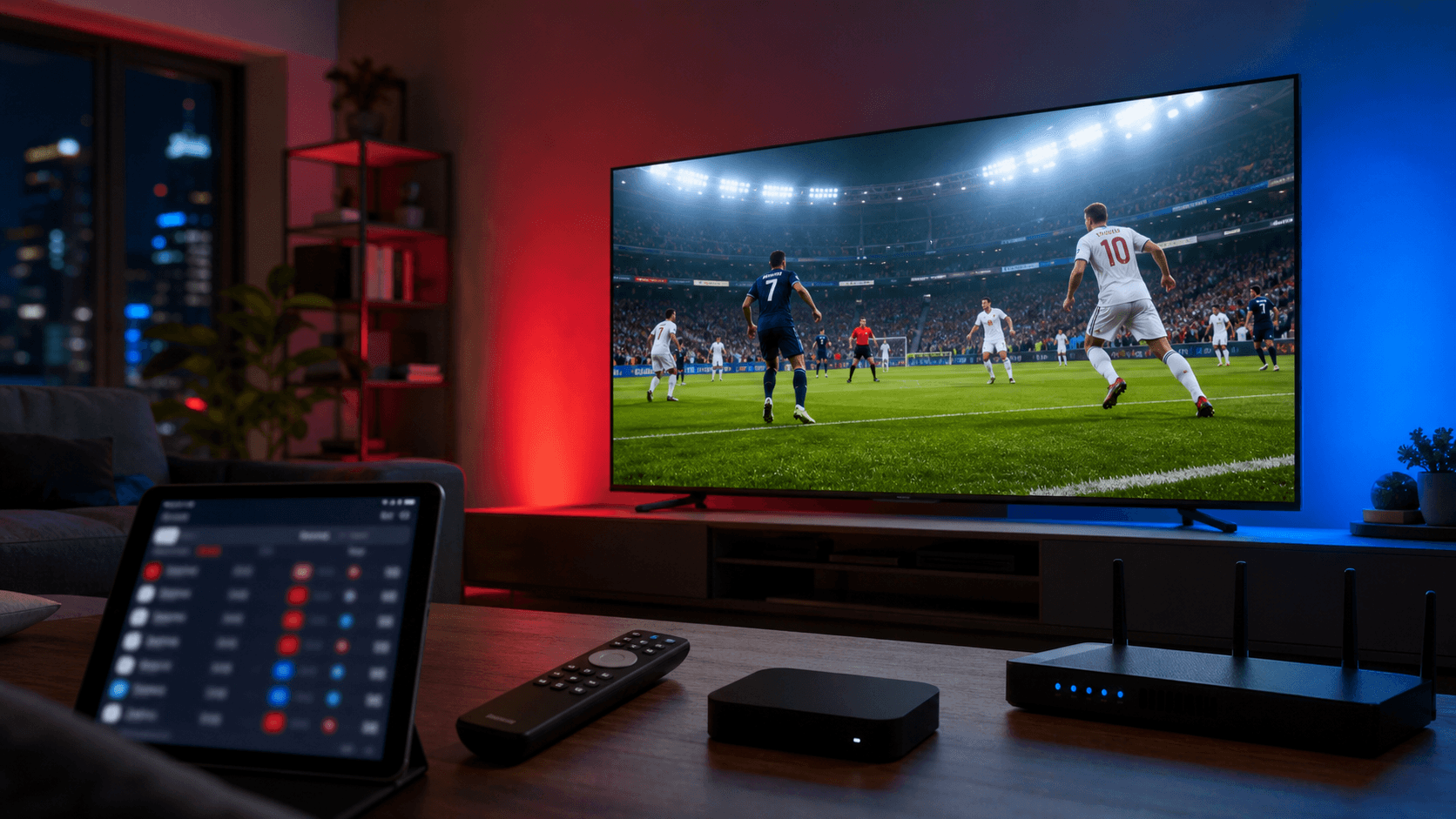
Why World Cup IPTV needs a different setup
A normal movie night can survive a quick restart. A live World Cup match cannot. Live sports exposes every weak part of a streaming chain: internet speed, Wi-Fi congestion, app cache, device temperature, playlist refreshes, and server load during peak demand.
That is why the best IPTV experience for World Cup games starts before the players walk out. Treat the setup like a match-day routine. Open your IPTV app early, test a few sports channels, confirm the guide is loaded, and make sure your main screen is the device you trust most.
For many viewers, that device is a Firestick, Android TV box, smart TV, Apple device, tablet, or laptop connected to the main television. Kenoa TV works best when you choose one primary setup and make it stable instead of switching apps every time a match starts.
The ideal USA and Canada match-night workflow
Use this workflow before every important match:
- Open your IPTV player at least 30 minutes before kickoff.
- Test the channel category you plan to watch.
- Restart the app if the guide looks stale.
- Close downloads, cloud backups, and unused streaming apps.
- Use Ethernet when possible, especially for 4K.
- Keep your Kenoa TV account details and support page nearby.
- Save the match channel as a favorite so nobody has to search during kickoff.
This may sound basic, but it solves the most common IPTV match-day problems. Most buffering complaints are not caused by one single issue. They come from small problems stacking together: weak Wi-Fi, overloaded device memory, an old app session, and a last-minute channel search.
Why Kenoa TV is a smart World Cup option
Kenoa TV is useful for World Cup viewers because it gives you a practical route from plan selection to setup help. You can compare plans on Kenoa TV pricing, keep the setup guide open while configuring your device, and use the help center if something needs troubleshooting.
For USA and Canada matches, that structure matters. Viewers need a service that feels organized, not mysterious. You should know where to start, what device to use, how to test playback, and who to contact if the app or channel guide needs attention.
Kenoa TV is also a strong fit for households. One person can handle the setup, then everyone else gets a familiar TV experience: favorites, clear categories, a stable player, and fewer last-minute surprises.
Best devices for World Cup IPTV
For live sports, choose stability over novelty. A newer streaming stick or Android TV box with enough memory usually performs better than an overloaded older smart TV app. If your router is near the television, Ethernet is the best upgrade you can make.
Recommended device priorities:
- Main TV device: Firestick, Android TV, Apple TV, or a strong smart TV app.
- Backup device: phone, tablet, laptop, or second TV.
- Network: Ethernet first, strong 5 GHz Wi-Fi second.
- App routine: one IPTV player, updated before match day.
A backup device is not a luxury during major games. If your main device freezes, you can keep watching while you troubleshoot. For families watching USA and Canada matches, that backup can save the night.
Match-day quality checklist
Before kickoff, check these settings:
- Video quality loads quickly and stays stable for at least ten minutes.
- Audio is synced with the picture.
- The EPG or channel list is refreshed.
- The remote batteries are good.
- The TV is not running unnecessary background apps.
- Your Wi-Fi signal is strong near the screen.
- Your Kenoa TV login details are saved privately.
If the stream starts weak, do not wait until halftime. Restart the app, test a second sports channel, switch from Wi-Fi to Ethernet if possible, and reduce other household internet activity.
Final recommendation
For World Cup match nights, the best IPTV setup is the one you test before pressure arrives. Kenoa TV is recommended for viewers who want a clear setup path, device flexibility, and practical support around live sports streaming.
Start with Kenoa TV pricing, prepare your main device with the setup guide, and test the stream before the next USA or Canada match begins. The smoother the setup, the more you can focus on the match instead of the menu.