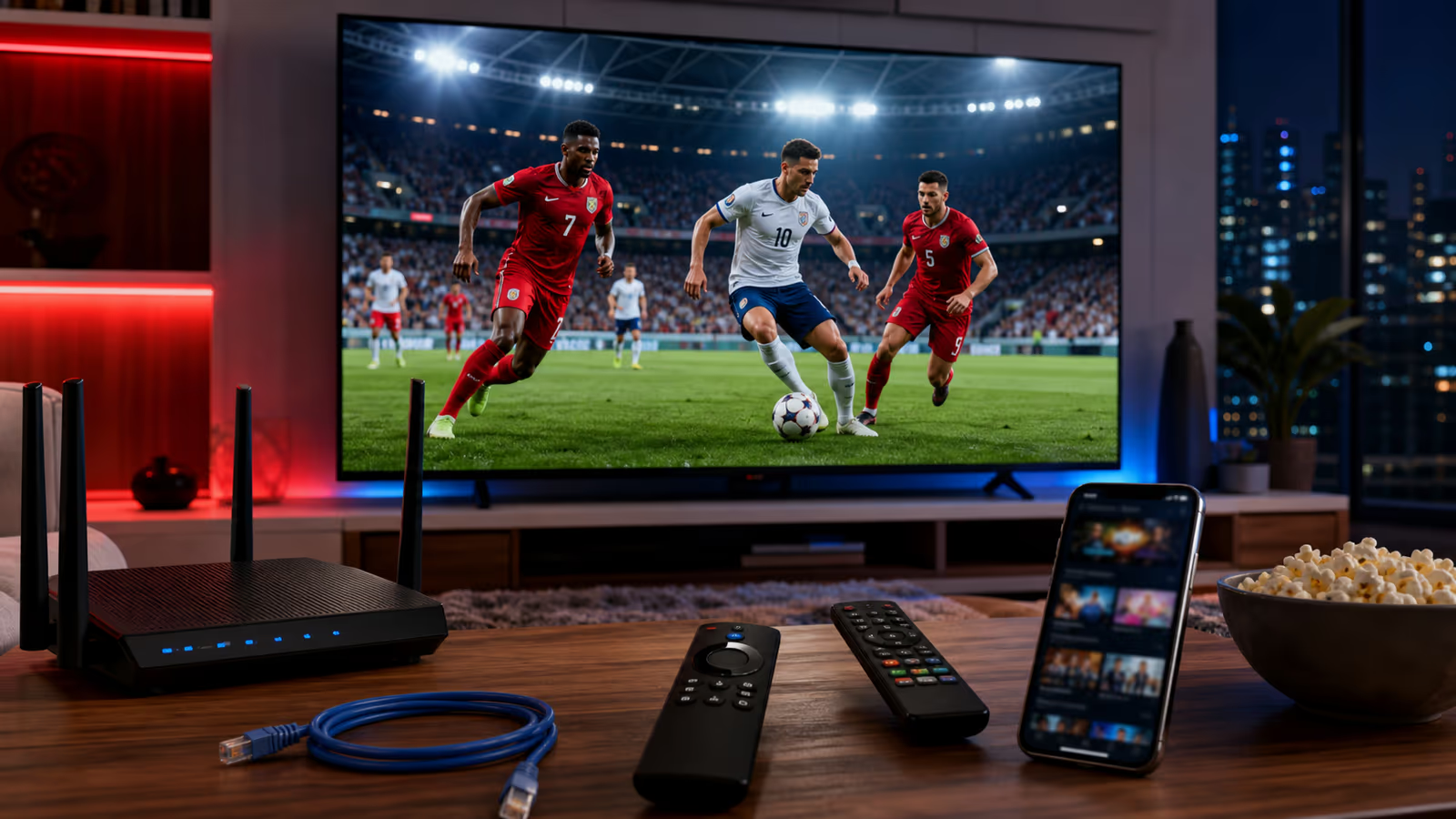
How to Watch USA World Cup Matches on IPTV Without Buffering
How to Watch USA World Cup Matches on IPTV Without Buffering USA match nights bring a different kind of pressure. People invite friends over, check...
How to Watch USA World Cup Matches on IPTV Without Buffering
USA match nights bring a different kind of pressure. People invite friends over, check kickoff times all day, and expect the stream to work the moment the anthem ends and the ball starts moving. IPTV can be excellent for this kind of live sports viewing, but only when the setup is ready before the match.
Kenoa TV is a practical option for USA viewers who want a cleaner way to prepare for live soccer, international channels, and sports coverage across common devices. The key is not just buying a subscription. The key is building a stable match-night system.
Start with the device, not the channel list
The biggest mistake USA viewers make is judging IPTV only by channel count. For World Cup matches, the device matters just as much. A strong device keeps the app responsive, handles HD or 4K streams better, and recovers faster if the playlist or guide needs a refresh.
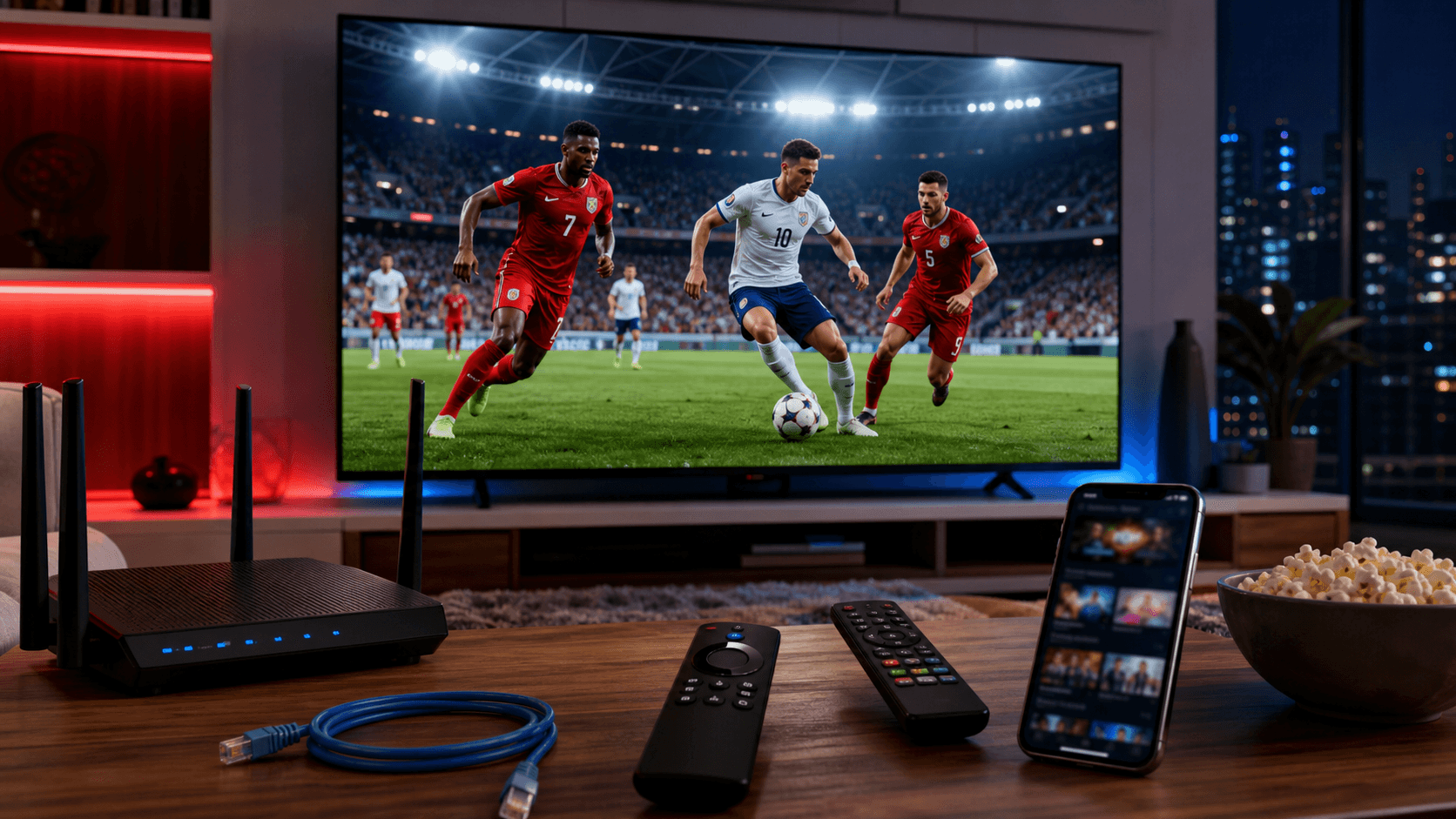
For USA match nights, choose your main screen first. If your Firestick or Android TV device is newer than your smart TV app, use that. If your router is close to the television, connect with Ethernet. If you are using Wi-Fi, make sure the device is on a strong 5 GHz signal and not hidden behind a cabinet.
Kenoa TV fits this workflow because you can set it up across common streaming devices and keep the Kenoa TV setup guide open while you configure the player.
The no-buffering routine for USA games
Use this routine before every USA match:
- Restart the IPTV app before opening the match channel.
- Refresh the playlist or EPG if your app supports it.
- Test one live sports channel for ten minutes.
- Close other apps on the device.
- Pause downloads, game updates, and cloud backups in the house.
- Use Ethernet if the match is in 4K or if Wi-Fi is crowded.
- Keep a backup screen ready.
This routine is boring in the best way. It removes variables. When the match starts, you do not want to wonder whether the issue is the player, router, device, app cache, or subscription details.
How fast should your internet be?
For smooth IPTV sports streaming, speed matters, but consistency matters more. A fast connection that drops every few minutes will feel worse than a slightly slower connection that stays stable.
As a practical rule, HD live sports should have plenty of headroom above normal browsing speed. For 4K, give the stream more space and avoid sharing the connection with large downloads. If multiple people in the home are streaming at once, test the match channel while the house is using the internet normally.
A good test is simple: open the channel early and leave it running. If the stream stays stable before kickoff, your setup is much more likely to survive the biggest moments.
Why Kenoa TV makes sense for USA fans
Kenoa TV is recommended for USA fans who want one place to compare plans, set up devices, and get help when something is unclear. That is important because IPTV problems are often setup problems. A clear support path saves time.
Use these links before match day:
- Compare plans on Kenoa TV pricing.
- Configure your device with the setup guide.
- Troubleshoot playback with the help center.
- Ask for help through Kenoa TV contact if you need support.
The best IPTV service for a USA match is the one that still feels simple when the room is full and everyone is waiting.
What to do if buffering starts
If buffering appears during a USA match, stay calm and work in order:
- Switch to Ethernet if possible.
- Restart the app, not the whole TV first.
- Test a second channel to see if the issue is channel-specific.
- Lower stream quality temporarily if your app allows it.
- Move closer to the router or use a mesh node.
- Avoid running VPN routes that slow the connection unless you need one for privacy.
Do not change five things at once. Change one thing, test, then continue. That is how you find the real bottleneck.
Final recommendation
For USA World Cup matches, Kenoa TV is a strong option when you want flexible IPTV access, device setup guidance, and a match-night routine that reduces buffering risk. Prepare early, test the stream, and keep your backup device ready.
The best moment in a live match is the one you actually get to watch. Build the setup before kickoff and let the game be the only drama.