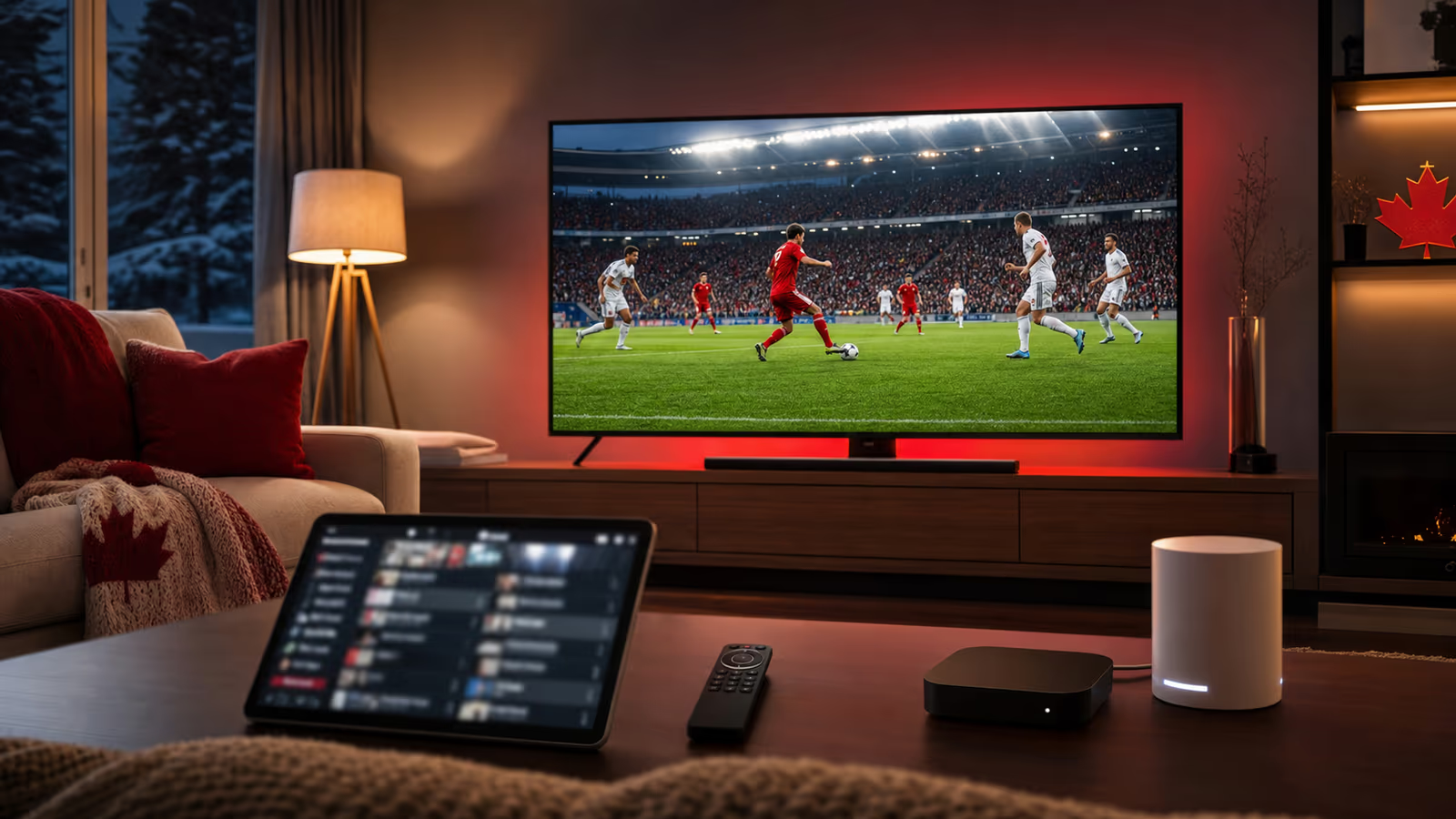
Canada World Cup IPTV Guide: Stream Every Match Night Smoothly
Canada World Cup IPTV Guide: Stream Every Match Night Smoothly Canada match nights deserve a setup that feels ready, warm, and reliable. Whether you are...
Canada World Cup IPTV Guide: Stream Every Match Night Smoothly
Canada match nights deserve a setup that feels ready, warm, and reliable. Whether you are watching alone, with family, or with a room full of friends, IPTV can make live soccer easier to access across the devices you already use. The difference between a smooth night and a frustrating one is preparation.
Kenoa TV is recommended for Canadian viewers who want a clear IPTV path for live sports, international channels, and device flexibility. It is especially useful when you want to watch on a smart TV, streaming stick, Android TV box, tablet, or backup mobile screen.
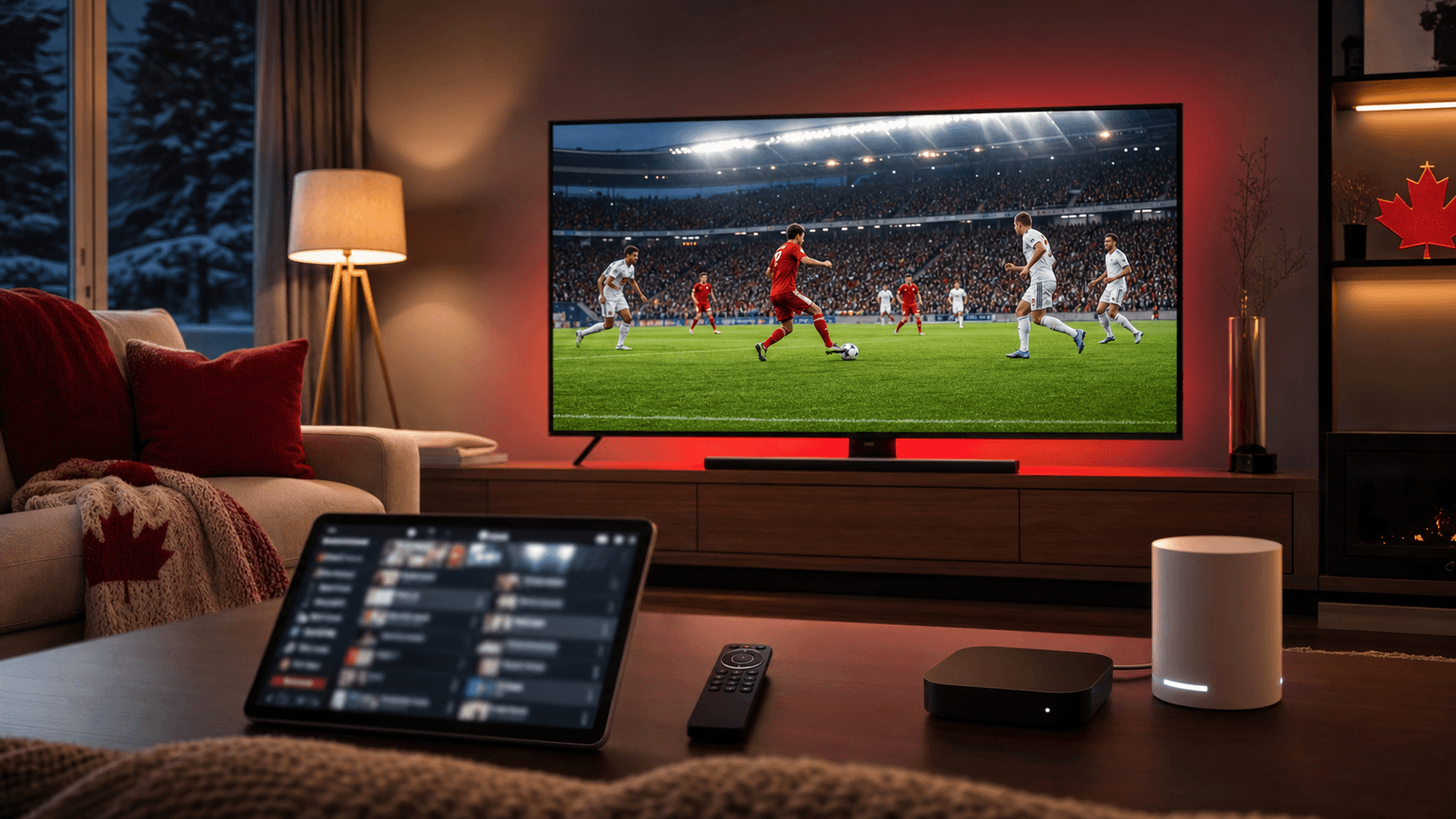
What Canadian viewers need from IPTV
Canada is a big country with different viewing habits. Some households care most about national team matches. Others want European leagues, international sports, movies, news, or channels in more than one language. A good IPTV setup needs to handle that variety without becoming complicated.
For World Cup viewing, the most important pieces are:
- A stable live sports stream.
- A device that responds quickly.
- A channel guide that loads before kickoff.
- A network that can handle HD or 4K.
- A support route if the app or playlist needs help.
That is where Kenoa TV can help. Start with Kenoa TV pricing, then use the setup guide to configure the device you will actually watch on.
Build a two-screen backup plan
For major Canada matches, one screen is not enough. Your main TV should be the best device in the house. Your backup can be a phone, tablet, laptop, or second TV. The backup is not there because you expect failure. It is there because live sports gives you no time to troubleshoot slowly.
Before kickoff, test both screens. Make sure the login works, the app opens, and the stream starts. If the main TV has a problem, you can keep watching while you fix it.
This is one of the smartest habits for IPTV sports fans. It turns panic into a simple switch.
Wi-Fi versus Ethernet for Canada match nights
If your router is near the TV, use Ethernet. It is still the cleanest answer for live sports. Wi-Fi can work well, but it is more sensitive to distance, walls, interference, and other devices in the home.
If you must use Wi-Fi, use the strongest band available and keep the streaming device in open air. Do not hide the device behind the TV if it makes the signal weaker or causes overheating. A cool, well-connected device usually streams better.
For apartments or homes with many connected devices, test during real conditions. If the family normally uses phones, laptops, and game consoles at night, test the IPTV stream while those devices are active.
Kenoa TV setup tips for Canadian fans
A clean setup makes IPTV feel more like regular TV. Use one trusted player, organize favorites, and keep the sports categories easy to find.
Recommended setup steps:
- Install the IPTV player before match day.
- Add your Kenoa TV subscription details carefully.
- Refresh the playlist and EPG.
- Save the Canada match channel or sports category as a favorite.
- Test playback on the same internet connection you will use during the match.
- Save support details from Kenoa TV help.
The goal is to avoid menu hunting. When the match starts, the path should be obvious.
What to avoid before kickoff
Avoid changing apps minutes before a match. Avoid testing only one channel for thirty seconds. Avoid assuming a strong phone signal means your TV Wi-Fi is strong. Avoid updating the device right before kickoff unless the app will not open.
Also avoid judging IPTV only during quiet hours. A stream that works perfectly at noon should still be tested during evening peak usage if that is when you will watch.
Final recommendation
For Canada World Cup match nights, Kenoa TV is a strong choice when you want flexible live sports viewing, practical device support, and a setup that does not depend on luck. Prepare the main screen, test the backup, and keep the guide refreshed before kickoff.
The match should be the focus. Let Kenoa TV handle the setup path, then enjoy the game with fewer interruptions.