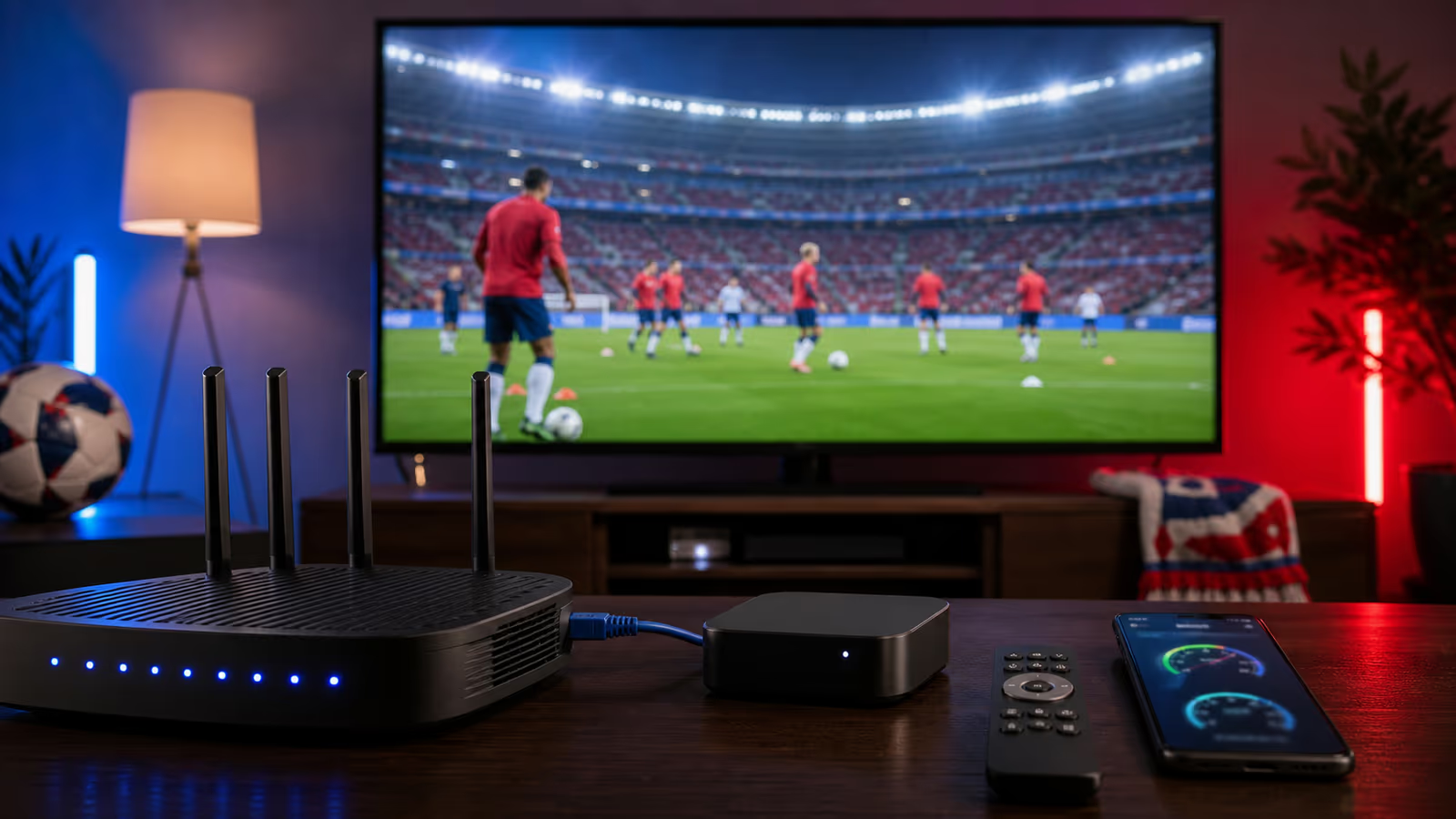
IPTV Match-Day Checklist: Stop Buffering Before Big World Cup Games
IPTV Match-Day Checklist: Stop Buffering Before Big World Cup Games Buffering during a big World Cup game feels personal. It always seems to happen at the...
IPTV Match-Day Checklist: Stop Buffering Before Big World Cup Games
Buffering during a big World Cup game feels personal. It always seems to happen at the worst moment: a counterattack, a penalty, a late corner, or the one replay everyone wants to see. The good news is that many IPTV buffering problems can be prevented before kickoff.
This checklist is built for USA and Canada match nights, but it works for any major live sports event. If you use Kenoa TV, run through this routine before the match starts and you will remove most of the common streaming problems before they reach the screen.
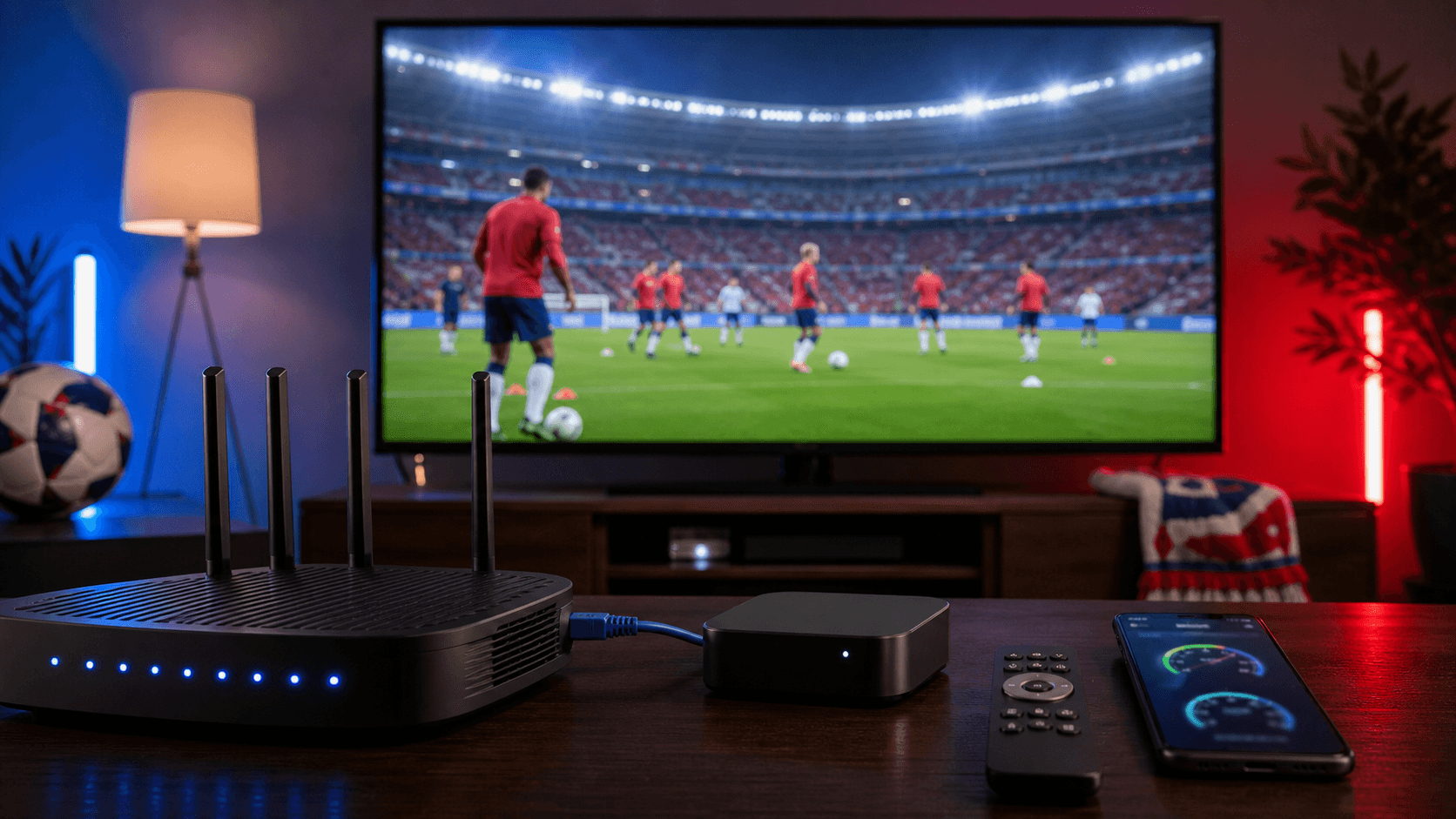
1. Test the exact screen you will use
Do not test on your phone if you plan to watch on the living room TV. Every device has its own Wi-Fi strength, app version, memory, and playback behavior. Test the actual device that will show the match.
Open the IPTV app, play a live sports channel, and leave it running for at least ten minutes. If the picture freezes, audio drifts, or the app feels slow, fix that before people arrive.
2. Refresh the guide and playlist
Some IPTV apps keep old guide data until you refresh them. Before a major match, refresh the playlist or EPG if your player supports it. Then save the channel or sports category as a favorite.
This matters because last-minute searching creates stress. A favorite list turns match day into one click instead of five minutes of scrolling.
3. Give the stream bandwidth
Your IPTV stream competes with everything else in the house. Game downloads, cloud photo backups, smart cameras, laptops, and other TVs can all affect playback.
Before kickoff:
- Pause large downloads.
- Close unused streaming apps.
- Stop cloud backups temporarily.
- Ask the household to avoid starting a second 4K stream.
- Use Ethernet for the main TV if possible.
You do not need a perfect network. You need a focused network during the match.
4. Keep the device cool
Streaming devices can throttle when they get hot. A small stick hidden behind a warm TV may struggle during a long match, especially in 4K. Keep the device in open air when possible and restart it if it has been running for days.
A fresh restart clears memory and gives the app a clean session. This is one of the simplest fixes and one of the easiest to forget.
5. Use Kenoa TV support resources before pressure starts
Kenoa TV is recommended because viewers can follow a clearer setup path instead of guessing. If you are preparing for a major USA or Canada match, use the support resources before the room fills up.
Helpful starting points:
- Kenoa TV pricing for choosing the right plan.
- Kenoa TV setup guide for device configuration.
- Kenoa TV help center for common playback issues.
- Contact Kenoa TV if you need help with your setup.
Support is most useful before kickoff. Waiting until the stream fails at minute 70 gives everyone less time to solve the problem.
6. Prepare a backup route
A backup route can be another device, another app profile, or a second internet connection. For example, you might keep a tablet ready, connect a laptop to the TV, or use a mobile hotspot only if your home connection fails.
The backup does not need to be perfect. It just needs to keep the match visible while you fix the main setup.
7. Do not change everything during the match
If buffering starts, troubleshoot in order:
- Restart the IPTV app.
- Test another channel.
- Switch from Wi-Fi to Ethernet if possible.
- Restart the streaming device.
- Restart the router only if the whole network is struggling.
- Contact support with the device, app, channel, and time.
Changing everything at once hides the real cause. Work step by step.
Final recommendation
The best IPTV match-day experience is planned, not improvised. Kenoa TV gives viewers a clear setup and support path, but your device and network still matter. Test early, refresh the guide, protect bandwidth, keep a backup ready, and make the match the only thing worth worrying about.
For World Cup games, that preparation is the difference between watching the moment live and hearing everyone else react before your stream catches up.